
Farm & Feast System Requirements
Official Steam specs for the cozy sim — plus the Linux RAM listing you should not take literally.
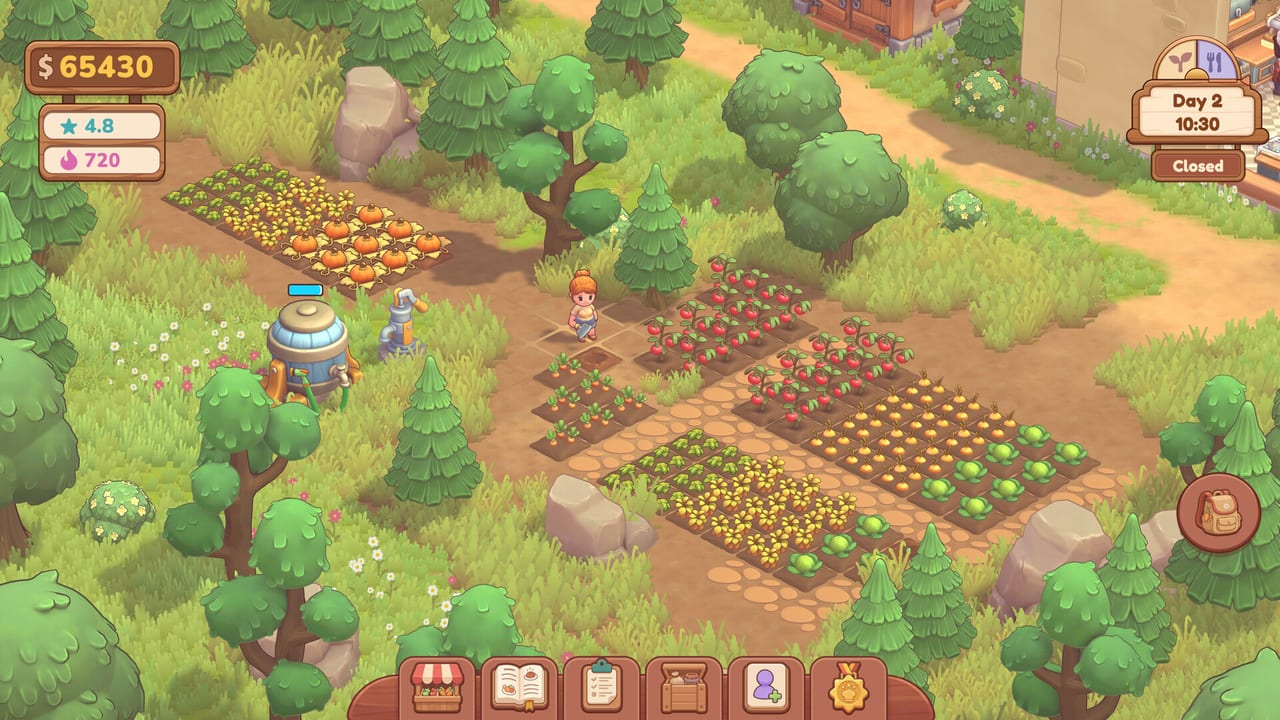
Farm & Feast is a lightweight-looking isometric sim, but Steam still publishes three platform sheets. This page copies them so you can check a laptop before the demo download. Specs come from the store API for app 4521650 (full game) and 4691110 (demo). Dummy dino has not posted a separate “demo is easier” table; treat the two listings as the same game with a couple of demo fields left blank.
If you already run the demo smoothly, you can skip to the day planner. If you are on Intel graphics or an M1 Mac, stay here.
Windows
Minimum
- OS: Windows 10 or newer
- Processor: Intel Core i5-7360U or better
- Memory: 4 GB RAM (listed on the full game; the demo minimum omits a RAM line)
- Graphics: Intel UHD 630 or better
- DirectX: 11
- Storage: 5 GB
Recommended
- OS: Windows 10
- Processor: AMD Ryzen 5600G
- Memory: 8 GB RAM
- Graphics: GTX 1060 or better
- DirectX: 11
- Storage: 5 GB
The minimum CPU is a dual-core notebook chip from 2017. The recommended CPU is an APU. Together they say “this is not a ray-tracing showcase.” Integrated UHD 630 should boot the demo; a GTX 1060-class card is the comfort line if you want stable 1080p while the restaurant fills.
macOS
Minimum
- OS: macOS 11 Big Sur
- Processor: Intel Core i5 / Apple M1
- Memory: 4 GB RAM (full game listing)
- Graphics: Intel Iris Plus / Apple M1 GPU
- Storage: 5 GB
Recommended
- OS: macOS 13 Ventura
- Processor: Apple M1 Pro / Intel Core i7
- Memory: 8 GB RAM
- Graphics: Apple M1 Pro GPU / AMD Radeon Pro 5500M
- Storage: 5 GB
M1 is on the minimum line, which is good news for a lot of laptops. Ventura plus M1 Pro is the comfort line. If you are still on Catalina, Steam is telling you no.
Linux / SteamOS
Minimum
- OS: Ubuntu 20.04 LTS
- Processor: Intel Core i3-6100 / AMD FX-6300
- Memory: 4 GB RAM (full game listing)
- Graphics: NVIDIA GeForce GTX 660 / AMD Radeon HD 7870
- Storage: 5 GB
Recommended
- OS: Ubuntu 22.04 LTS
- Processor: Intel Core i5-8400 / AMD Ryzen 5 2600
- Memory: Steam prints 8 MB RAM on the full-game recommended sheet
- Graphics: NVIDIA GeForce GTX 1060 / AMD Radeon RX 580
- Storage: 5 GB
That 8 MB RAM figure is almost certainly a store-page typo. Windows and macOS both recommend 8 GB. Budget 8 GB on Linux too. If your distro is newer than 22.04, you are still in spirit; Proton / native status is not documented beyond SteamOS + Linux being checked.
Demo versus full game blanks
The demo minimums omit some RAM lines that the full game includes. Storage 5 GB is the number to free either way. Controller support is listed on both. Steam Cloud is listed on the full game, not as a demo highlight.
Practical advice
- Disk: 5 GB is small. Still do not install on a dying USB stick; cozy games still hate hitching mid-fridge-spin.
- GPU: If you are on UHD 630, lower in-game quality if a setting exists, and keep other browsers light during Open.
- Handheld PCs: A GTX 1060-equivalent handheld should be comfortable on recommended logic. We do not have an official Steam Deck verification note on the store page, so treat Deck play as unlisted, not promised.
- Input: Full controller support is a store tick. Specs do not replace the controls guide.
After you pass the sheet
Install the demo from the Steam page, then follow Getting Started. If the game boots but the pump minigame stutters, that is a GPU / frametime issue, not a “you failed farming” issue. Cut background apps, then play. Wishlist the full game dated 11 Nov 2026 once the demo has proven the machine.
When Steam edits these tables, this page should change in the same commit as the updates hub. Do not download a random “optimized settings” pack from elsewhere; a 5 GB cozy sim does not need a 200 MB config mod.
Frequently Asked Questions
Quick answers about the Farm & Feast demo and the 11 Nov 2026 Steam launch.
Can I run Farm & Feast on Intel integrated graphics?
Steam's Windows minimum is Intel UHD 630. It should boot. Comfort is closer to a GTX 1060. Try the free demo first.
Does it run on Apple Silicon?
Yes on paper: M1 is on the macOS minimum line, M1 Pro on recommended. OS minimum is Big Sur.
Why does Linux recommend 8 MB of RAM?
That is what Steam currently prints, and it is almost certainly a typo for 8 GB. Windows and macOS both recommend 8 GB.
How much disk space do I need?
5 GB according to Steam for Windows, macOS, and Linux.